Codex made a slide deck
Open the deck from your phone before sending it, without dragging it into Drive just to check the flow.
Local-first output portal for AI builders
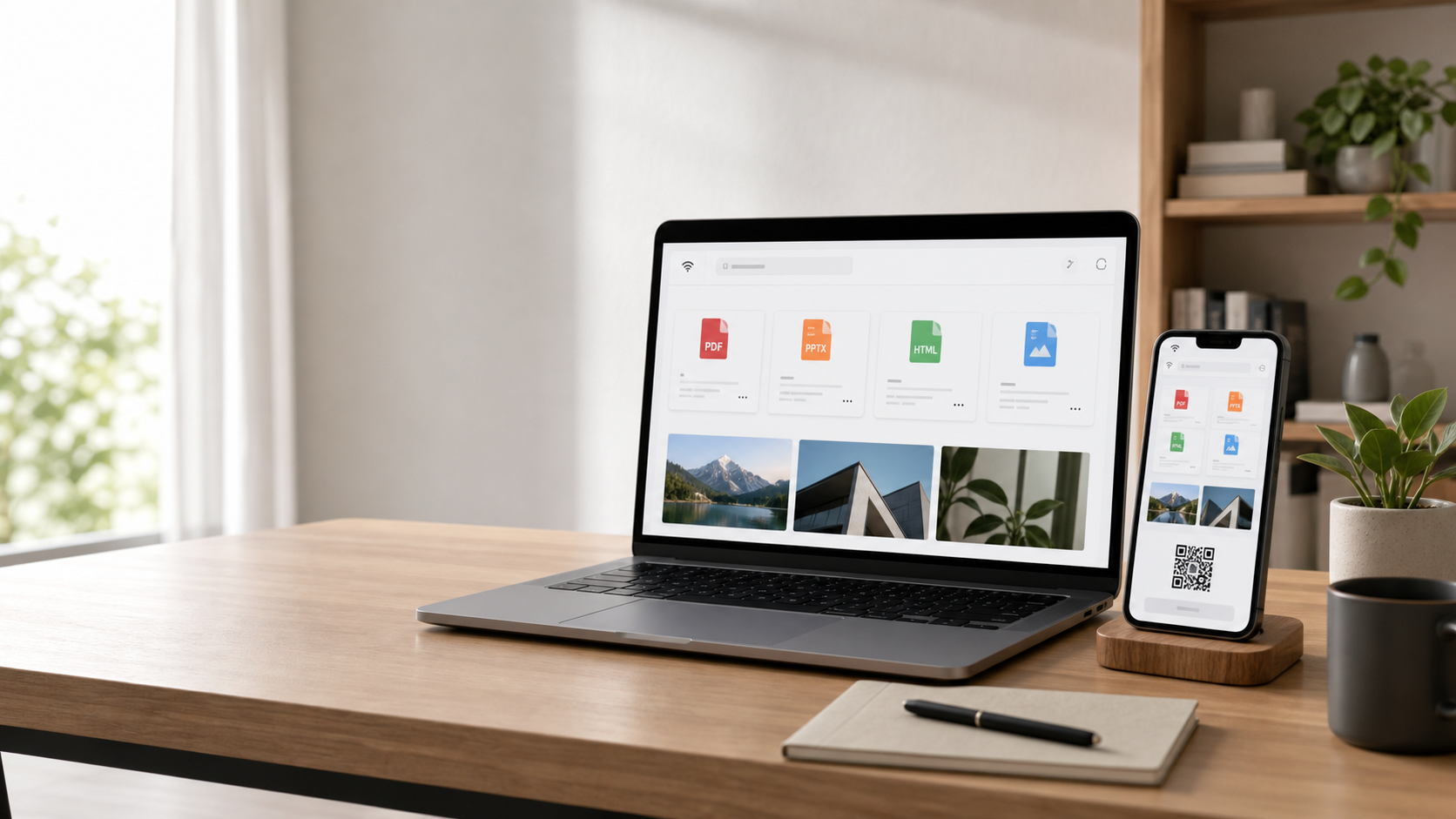
Review the PPTX, PDF, screenshot, or HTML your AI agent just made from your phone, tablet, or second machine without uploading your workspace to a cloud drive.
You ask an agent for slides, a PDF, a screenshot, or a prototype. The result lands in a local folder. Then the review loop slows down: AirDrop, messenger, cloud upload, or walking back to the desk.
DeskShare is for the moment right after generation, when the only thing you need is a clean private portal to the output.
DeskShare is for the small handoff moments that interrupt local AI workflows: opening a generated artifact on the device that is best for reading, sharing, or reacting.
Open the deck from your phone before sending it, without dragging it into Drive just to check the flow.
View the generated page on a tablet or second machine while the local agent keeps working at your desk.
Read it from the couch, meeting room, or commute setup through a private URL instead of emailing it to yourself.
Flip through screenshots, charts, and generated images in one mobile-friendly view.
deskshare ./outputs starts a read-only portal.
Use LAN at home or Tailscale when your phone is away.
Open PDFs, images, HTML, and downloads from a mobile-first page.
Expose only the folder you choose, with no delete or edit actions.
Prioritize PDFs, images, HTML, generated docs, and quick downloads.
Show local, LAN, and private-network URLs with QR handoff.
Start with OSS developers, then validate a Swift menu bar app.
Join if your agents create files locally and you want a say in the first OSS preview: file types, Tailscale flow, QR handoff, and mobile review polish.